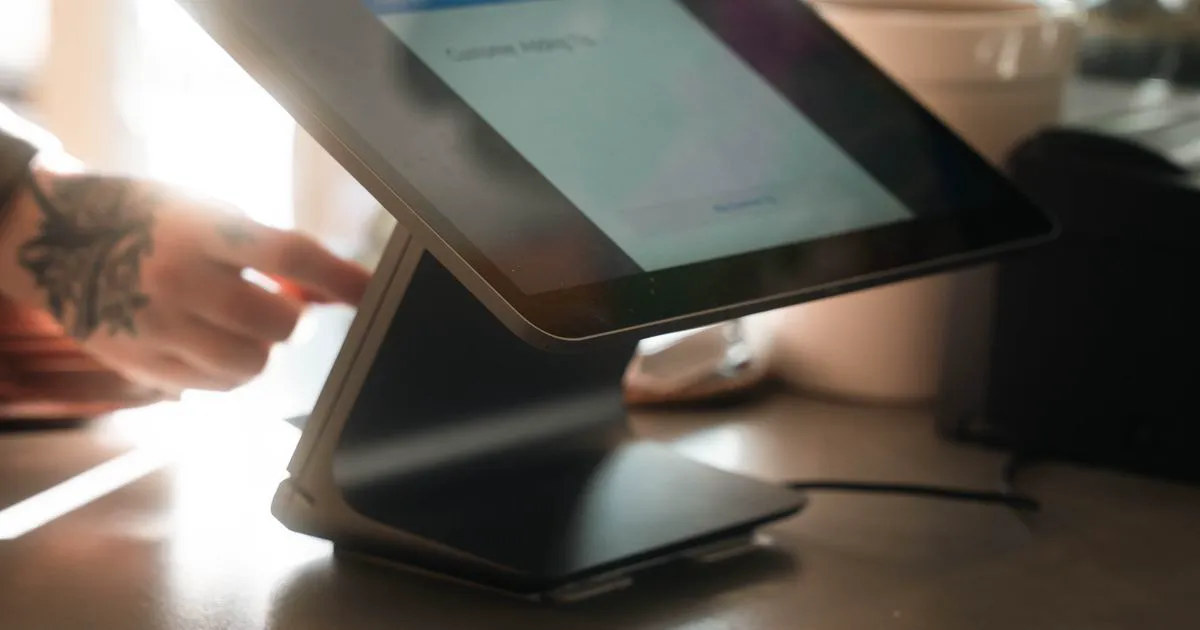
A phone order that isn't in your POS isn't really “in the system” yet — someone still has to walk it from a notepad, a printout, or a dashboard tab into Clover, Toast, or Square by hand. “POS integration” is the industry's shorthand for closing that gap. Here's what it actually means, how it differs across the three most common restaurant POS systems, and what to ask a vendor before you assume it's included.
What “POS integration” means in practice
For a phone-ordering AI, integrating with your POS is really two separate jobs, and vendors don't always do both:
- Menu sync (in). The AI needs to know your current items, prices, and modifiers — pulled from your POS, not re-typed into a second system that quietly drifts out of date the next time you 86 an item or change a price.
- Order push (out). A completed phone order needs to land as a real ticket in your kitchen display or printer, the same way a counter or app order does — not just sit in a separate dashboard someone has to keep checking.
A tool that only does the first (menu sync) still leaves a human re-keying every phone order by hand. A tool that only does the second (order push) risks quoting a stale price or an item you sold out of an hour ago. Ask which half — or both — a vendor is actually offering.
Clover, Toast, and Square: how they differ for this specific job
All three are mature, widely used restaurant POS platforms, and all three publish an API a third-party tool can integrate against. The practical differences that matter for phone ordering are less about the POS itself and more about how deep an integration goes:
- Clover.Common with independent restaurants and small groups. Its inventory/order APIs are well documented and OAuth-based, which is why it's usually the first POS a phone-ordering vendor builds against.
- Toast.Popular with full-service and multi-location restaurants. Toast's partner API exists but access is more gated — a vendor typically needs to go through Toast's partner program, which adds lead time before an integration ships.
- Square.Common with counter-service and smaller operations already using Square for payments. Its Orders/Catalog API is broadly accessible, similar in spirit to Clover's.
None of that is a reason to rule a vendor in or out on its own — it just explains why you'll often see “Clover today, Toast and Square on the roadmap” rather than all three on day one. A vendor that claims same-day support for every POS everywhere is worth a second, skeptical look.
What to ask before you assume it's included
- Is my specific POS actually connected today, or is it “on the roadmap”? Those are very different things — get a straight answer, not a sales deck logo.
- Does the sync run automatically, or do I have to re-sync by hand every time I change the menu?A manual step is the kind of thing that gets skipped on a busy week, and that's exactly when a stale price causes a problem.
- Where do items without a clean POS category go?A modifier-heavy or oddly-categorized item shouldn't just silently disappear from what the AI can sell.
- Is the order push a two-way sync or one-way? One-way (POS → AI) is enough for the AI to quote correctly; two-way (AI → POS) is what actually removes the manual re-keying step.
- Is there an extra fee for the integration?Some vendors price POS push as an add-on rather than something included in the base plan — worth knowing before you compare two prices that aren't actually comparable.
Where Depla stands today
We'd rather tell you exactly where we are than round up. Every phone order already lands in your Depla dashboard immediately, with a full transcript, so nothing is lost even before a POS is connected. Direct Clover integration — menu sync plus pushing completed phone orders straight into Clover — is in active development, with Toast and Square next on the roadmap. If you run one of those and want to be first in line, the early-access list on that page is the way to tell us.
In the meantime, every order is still fully usable for your kitchen — see how the ordering flow itself works on the order-taking page, or try the live demo against your own menu to see what a caller actually experiences.